Skip to content
Get started
← KLICKLIC / ADMIN

Turn complex work into a clear next action

Support work, permission review and data import. Explore working interactions and choose an interface for your task.

Build a brief for this screen ↗

Working examples and design guidance · not an integrated backend product.

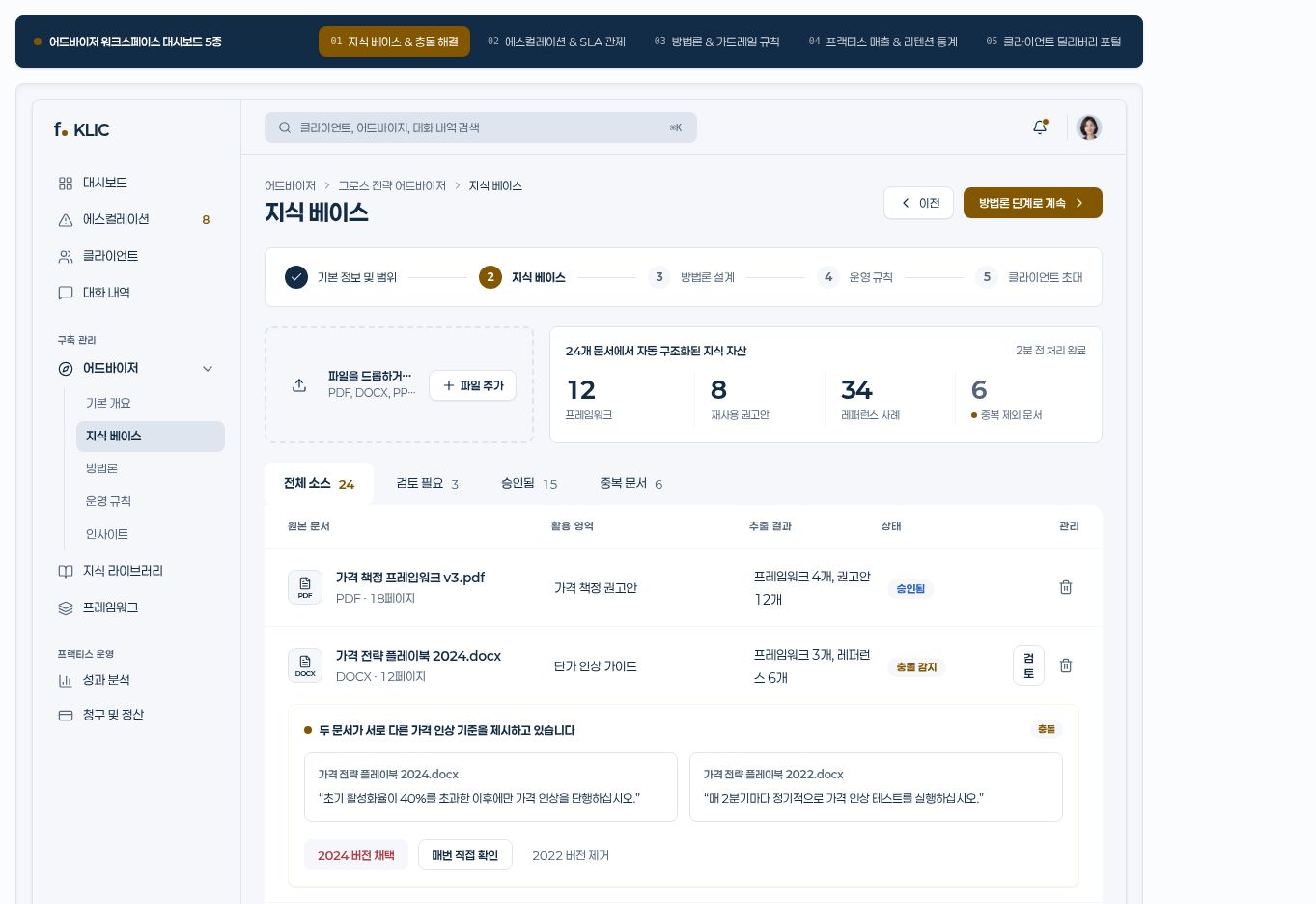
Admin & data interfaces · static capture of an actual example
Static capture of an actual block · sample data
START WITH WORKING EXAMPLES

Start with these building blocks.

01

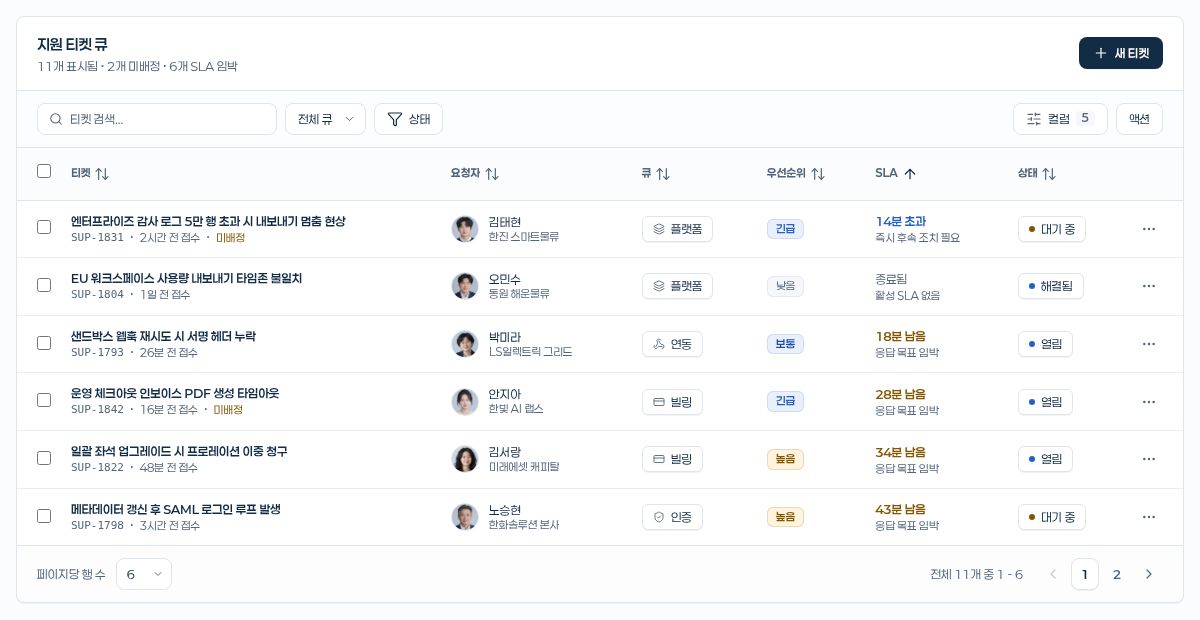
Customer support ticket queue ↗

A card-based support-ticket queue with search, queue and multistate filters, bulk assignee and status actions, SLA countdown cells, priority badges, and a ticket-closing dialog. Built with KLIC DataGrid, Badge, Card, Avatar, Select, and Popover for helpdesk and ticket management.

DESIGN.md ↓Source plan ↗
02

Access permissions matrix ↗

An access-review matrix whose columns change across basic information, tags and groups, and detailed-permission tabs. It includes row pinning, sorting, role filters, live search, and scope-specific switch cells. Built with KLIC DataGrid, Frame, Tabs, Switch, and Avatar for RBAC and team access control.


DESIGN.md ↓Source plan ↗

Design with these principles.

  • Make the scope of search, filters and selection visible.
  • Confirm the target and recovery path before a bulk change.
  • Explain denied access, empty results and input errors separately.

Keep these boundaries clear.

  • Do not present a browser switch as server authorization.
  • Do not present a file demonstration as a production database connection.

Production data and external connections require separate work.

YOUR NEXT STEP

Found your screen?
Make the brief your own.

Open your AI design brief ↗