Hover response and recent changes ↗
Inspects relationships on hover or focus and tracks applied changes in one panel.
Understand a workflow and its state changes. Compare connections with inspection, conditions and change history.
Build a brief for this screen ↗Working examples and design guidance · not an integrated backend product.
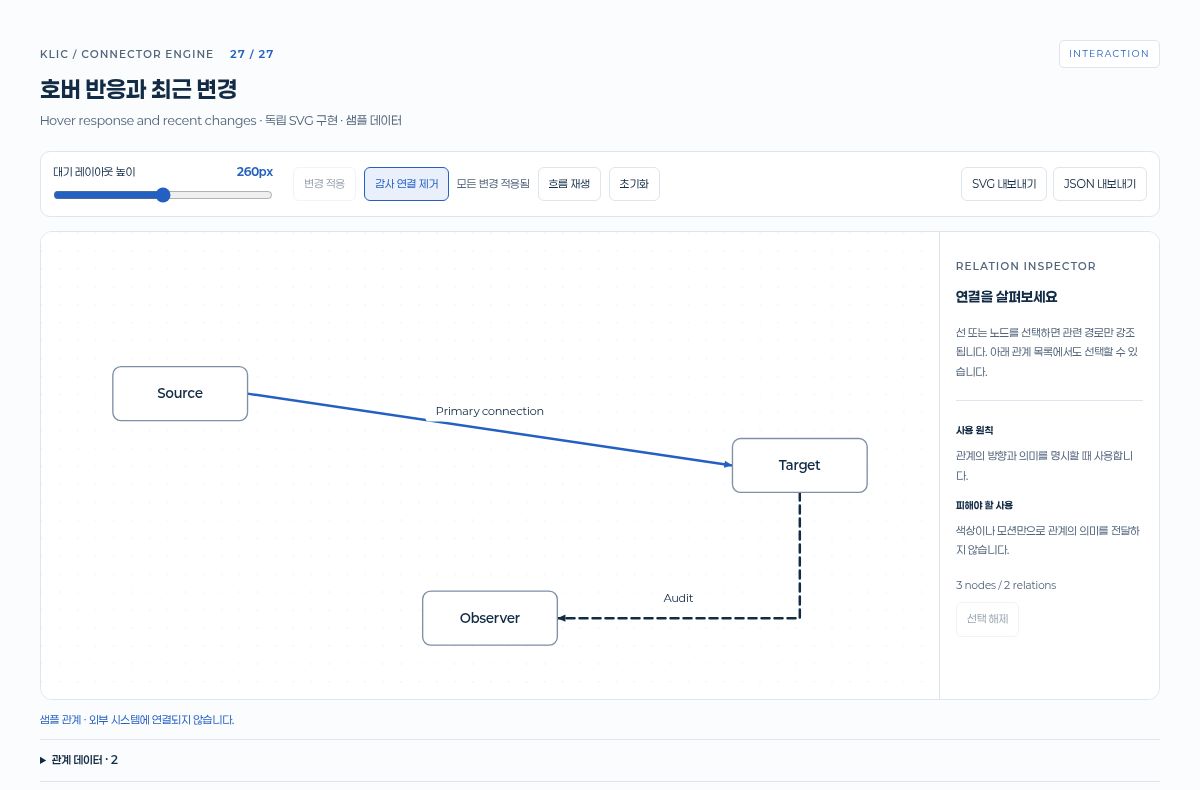
Inspects relationships on hover or focus and tracks applied changes in one panel.
Shows idle, running and complete states with transition guards.
A Korean React Flow canvas with a demo.request webhook, a company-size branch for more than 200 employees, Clearbit lookup and HubSpot deal nodes, animated SVG data packets, a bottom-right minimap, and an 81% zoom bar.
Production data and external connections require separate work.
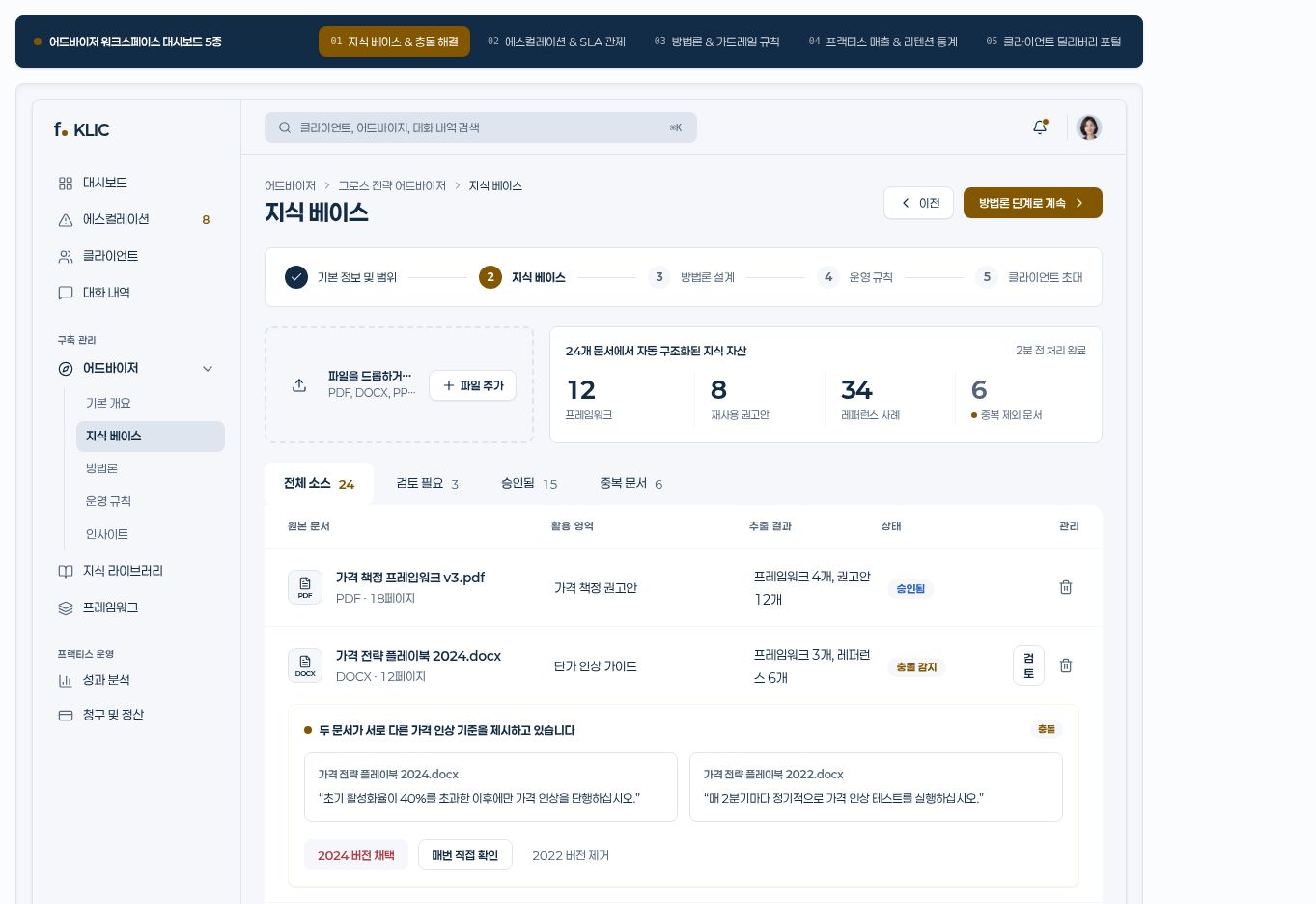
A workspace for reviewing knowledge assets and rules. Design a clear information hierarchy and the next action.
Start with this screen
Support work, permission review and data import. Explore working interactions and choose an interface for your task.
Start with this screen